Separate businesses
Each business has its own employees, information and tools. You can manage businesses of the same type or different types.

SOFTWARE
Joredu organises operations according to your business type. Finanzas helps review costs, prices and transactions. Veni brings together Studio, Fideliza and Chat, each with its own scope and terms.
JOREDU FOR DIFFERENT BUSINESSES

Joredu brings together tools to manage different types of business from a single account.
Shops, restaurants, workshops, service businesses, clinics, salons, hotels, gyms, laundries, veterinary practices and training centres: eleven workflows with different tasks and requirements.
Manage one or several businesses, each with separate employees, information and features.
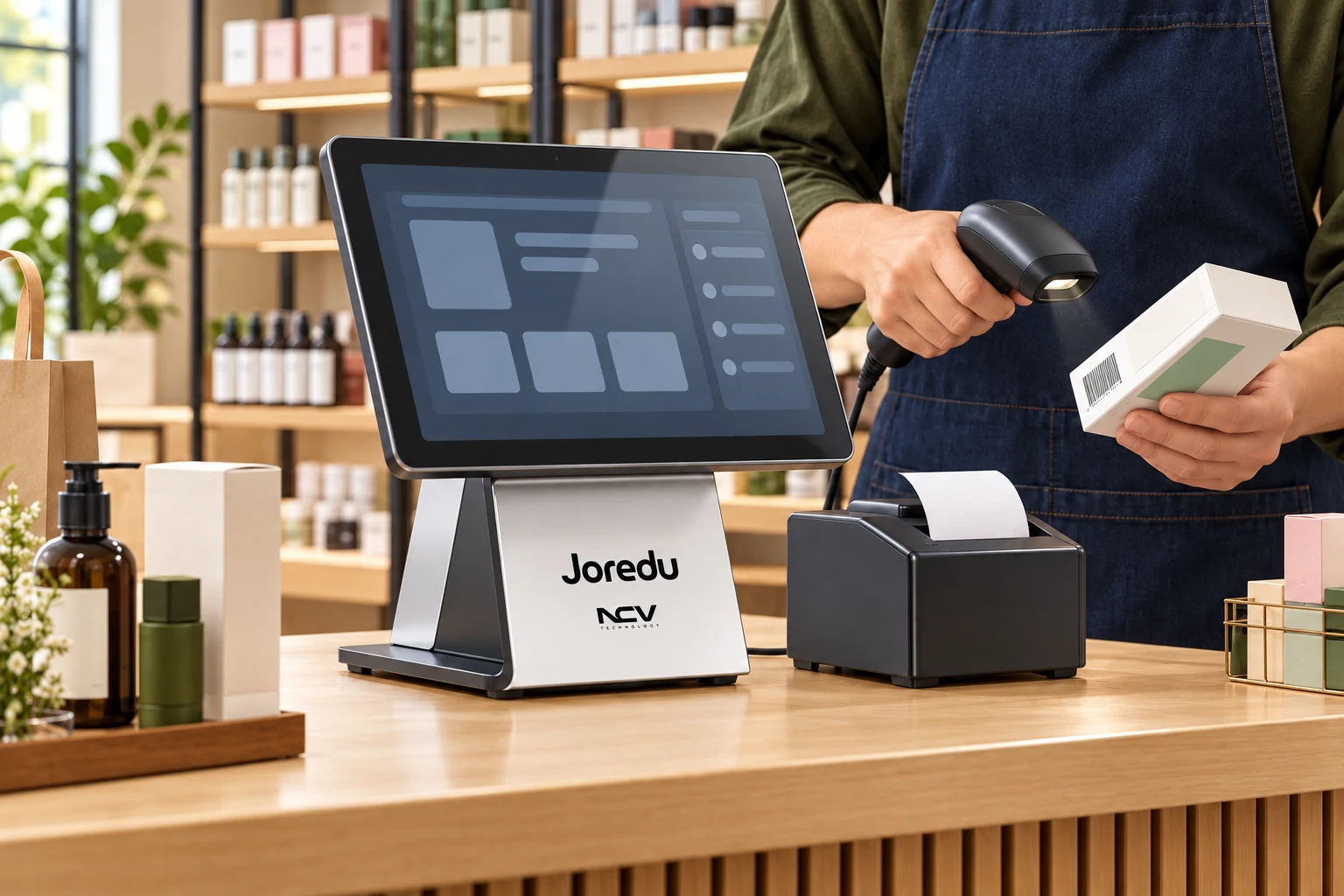
Choose the tools you need and use them on different devices, with or without NCV equipment.
Each business has its own employees, information and tools. You can manage businesses of the same type or different types.
Permissions depend on the role, enabled features and configuration. We review what each person can do or view in your situation.
Each business type has different tasks and needs. We agree which features you will use, which connections are needed and what help you will receive.
FINANZAS DE JOREDU
Review income and expenses, prepare cost and price calculations and compare scenarios. You can use Finanzas on its own; any connection to other tools is reviewed before it is offered.
What you can do with Finance
VENI FAMILY
Veni brings together Studio, Fideliza and Chat. Each area has its own scope, requirements and access.
Present your business on the web.
Create and edit pages with text, photos and sections; display a catalogue and receive enquiries through forms.
Customer payments and shipping are handled outside Studio.
Learn about Veni StudioSet up a rewards programme.
Set up web cards and a stamp or points programme with a goal and reward. Check progress and record stamps or points added and rewards redeemed.
Configuration and terms are reviewed for each business.
Ask about FidelizaPilot in preparation
Organise enquiries before automating.
Prepare rules and possible responses, test them in a simulator and decide when a person should step in.
Connections, permissions and delivery tests are reviewed before real messages are enabled.
Ask about the pilot’s scopeTell us which task you want to address, and we will review the right tool and requirements for your situation.
| Your task | What to review |
|---|---|
| Organise a business's operations | The Joredu workflow for your business type, its features and permissions. |
| Review costs, prices, income or expenses | Finanzas de Joredu, purchased separately. |
| Present what you offer on a website | Veni Studio: pages, catalogue and forms. |
| Prepare cards and rewards | Veni Fideliza: stamps or points, goal, reward, progress and redemptions. |
| Prepare conversations and response rules | Veni Chat, a pilot in preparation. Connections and real message delivery remain to be confirmed. |
One product's plans, features and connections do not automatically apply to the others. Before we start, we confirm the scope, price and help for your situation.
Review what I need to purchaseCustom software development
New software for your business processes. Tell us what you need to solve and we will review how to develop it.
If an existing application meets your needs, you can also explore Joredu.com and Veni.page.
You do not need a technical specification. You can start by describing the problem in your own words.
Free initial conversation. We explain what is included and the cost before we start.