
CATALOGUE
Find your solution.
Explore management by business type, finances, websites, rewards, the conversations pilot and configurable equipment. Learn which task each tool addresses and ask about the scope for your business.
MANAGEMENT FOR DIFFERENT BUSINESS TYPES

Eleven workflows for businesses with different tasks. Shops, restaurants, workshops and service businesses are part of Joredu, alongside other activities. Review which features and access apply to your situation.
What you can do with JoreduChoose your type of business.

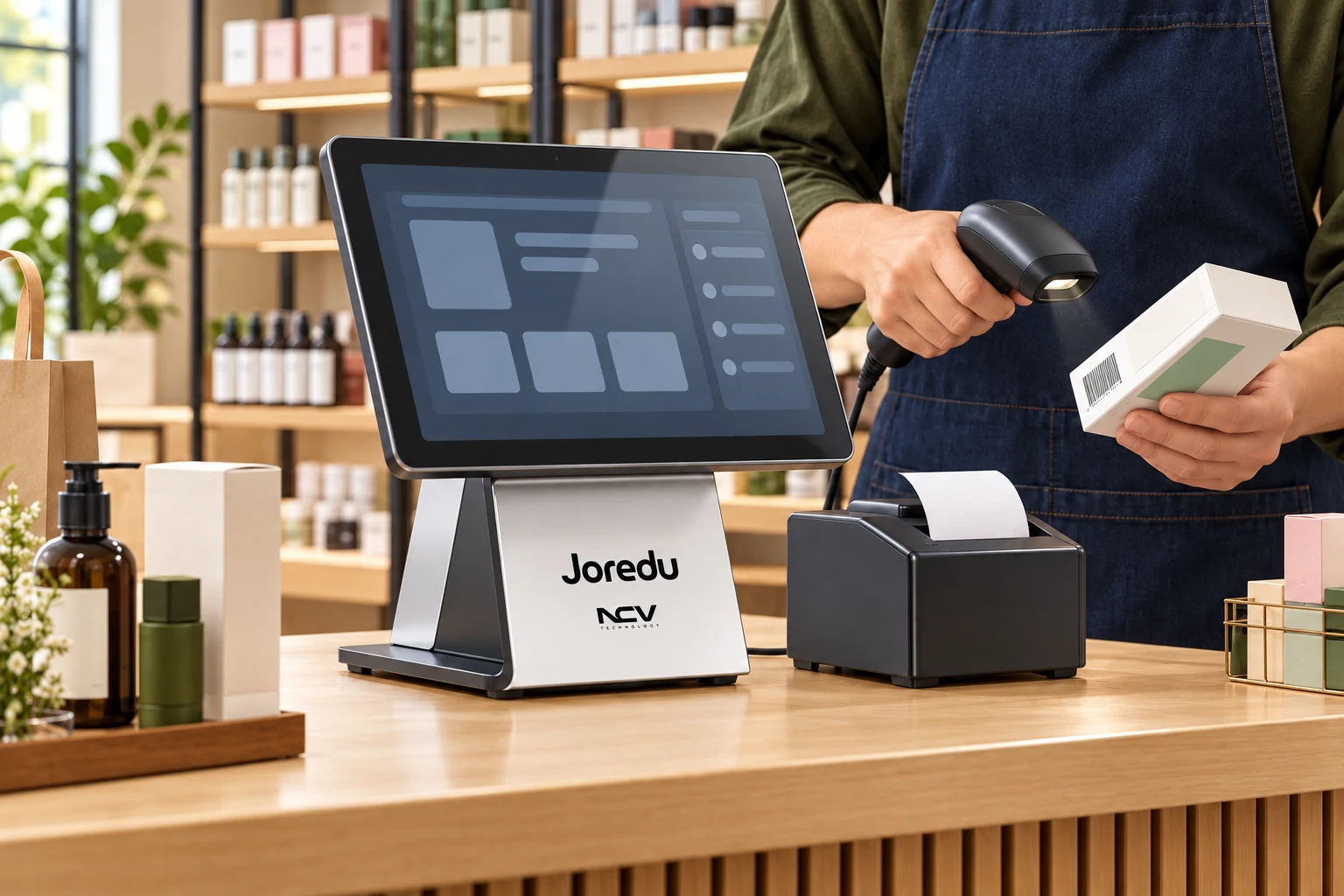
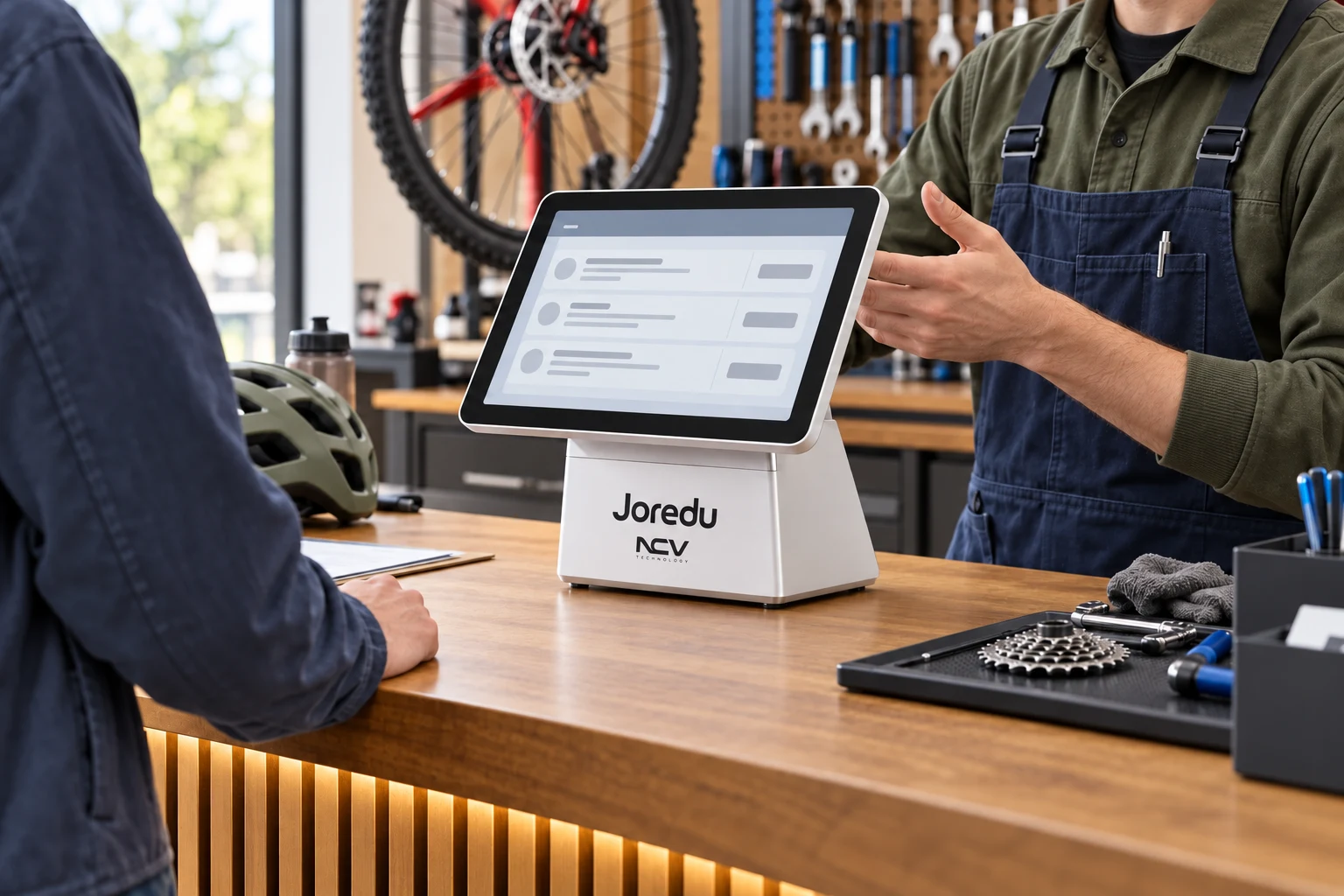
Jobs and deliveries
Repair workshops
Each job with its work order, responsible person and status.
See how it fits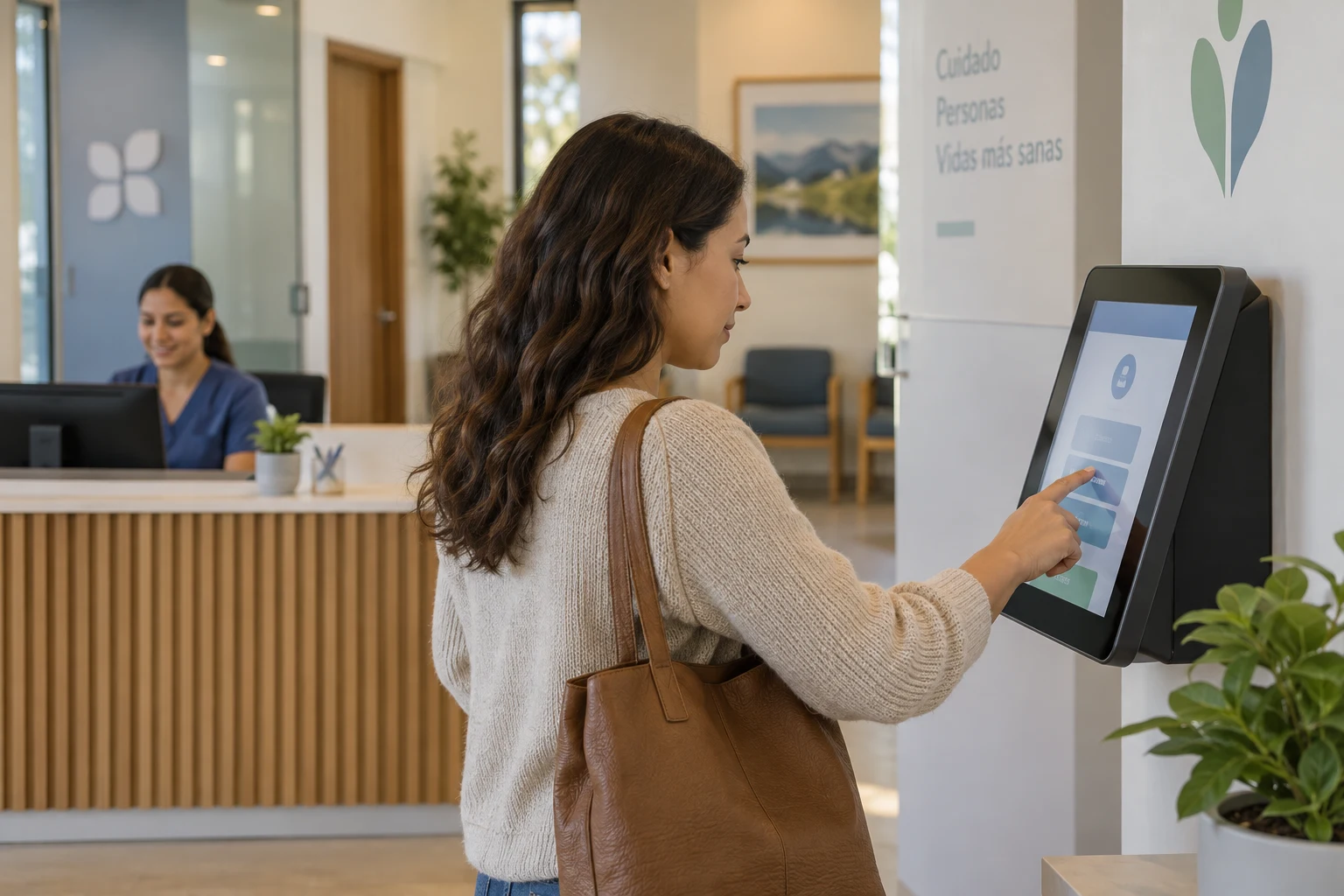
Appointments and bookings
Clinics
Care starts with organised appointments and check-in.
See how it fits
Appointments and bookings
Barbershops and salons
A calendar that considers the service, duration and professional.
See how it fits
Appointments and bookings
Hotels and accommodation
Reservations, rooms and arrivals in one workflow.
See how it fits


Appointments and bookings
Veterinary practices
Each animal with its appointments, owner and history.
See how it fits
Memberships and courses
Academies
Each course with its places, participants and attendance.
See how it fitsFeatures, connections and availability are confirmed according to the business type and agreed configuration.

FINANZAS DE JOREDU
Costs, prices and business finances.
Review income and expenses, prepare cost and price calculations and compare scenarios. Finanzas is purchased separately; connections to other tools are agreed for your situation.
Explore Finance
VENI FAMILY
Websites, loyalty and conversations.
Veni brings together Studio, Fideliza and Chat. Each area has its own scope, requirements and access.
Veni Studio
Present your business on the web.
Create and edit pages with text, photos and sections; display a catalogue and receive enquiries through forms.
Customer payments and shipping are handled outside Studio.
Learn about Veni StudioVeni Fideliza
Set up a rewards programme.
Set up web cards and a stamp or points programme with a goal and reward. Check progress and record stamps or points added and rewards redeemed.
Configuration and terms are reviewed for each business.
Ask about FidelizaVeni Chat
Pilot in preparation
Organise enquiries before automating.
Prepare rules and possible responses, test them in a simulator and decide when a person should step in.
Connections, permissions and delivery tests are reviewed before real messages are enabled.
Ask about the pilot’s scopeTell us which task you want to address, and we will review the right tool and requirements for your situation.
EQUIPMENT FOR THE TASK
Countertop or wall-mounted, according to your space.
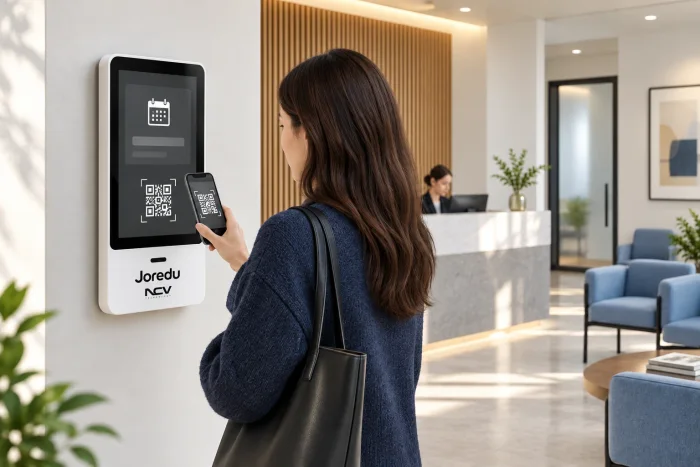
Sobremesa and Mural are configurable bases. Their components, software, installation and availability are reviewed before you purchase.
Compare equipment and terms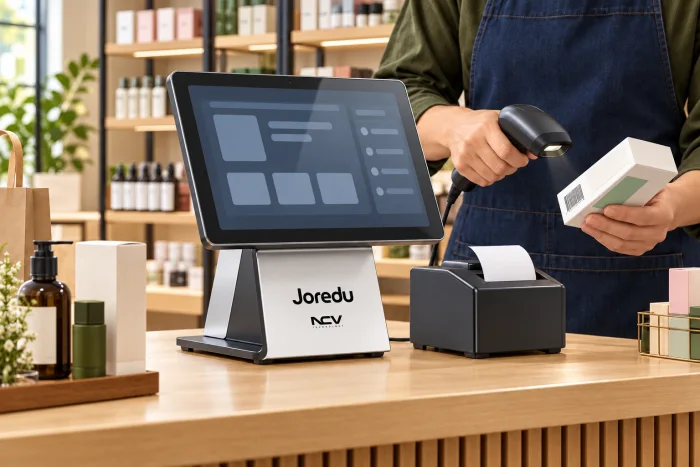
Custom software development
Tell us what you need your software to do.
New software for your business processes. Tell us what you need to solve and we will review how to develop it.
If an existing application meets your needs, you can also explore Joredu.com and Veni.page.
You do not need a technical specification. You can start by describing the problem in your own words.
Arca 3D · 3D design and printing
Arca 3D: 3D design and printing for your ideas and projects.
3D design and printing for your ideas and projects. Whether you need a model created or already have one, we review what is needed with you before preparing a quote.
If you do not have a model, tell us your idea so we can review and quote the design and printing your project needs.
Can’t find what you need?
Tell us what you need to do. We can assess a tool built for your business.